First Time Users
Access your email at the Outlook Web App.
During your initial login with MFA, you will be prompted to enter additional information to set up your account. You may choose a phone call or a text message for verification.
Once set up, you will receive a call or text to verify your number.
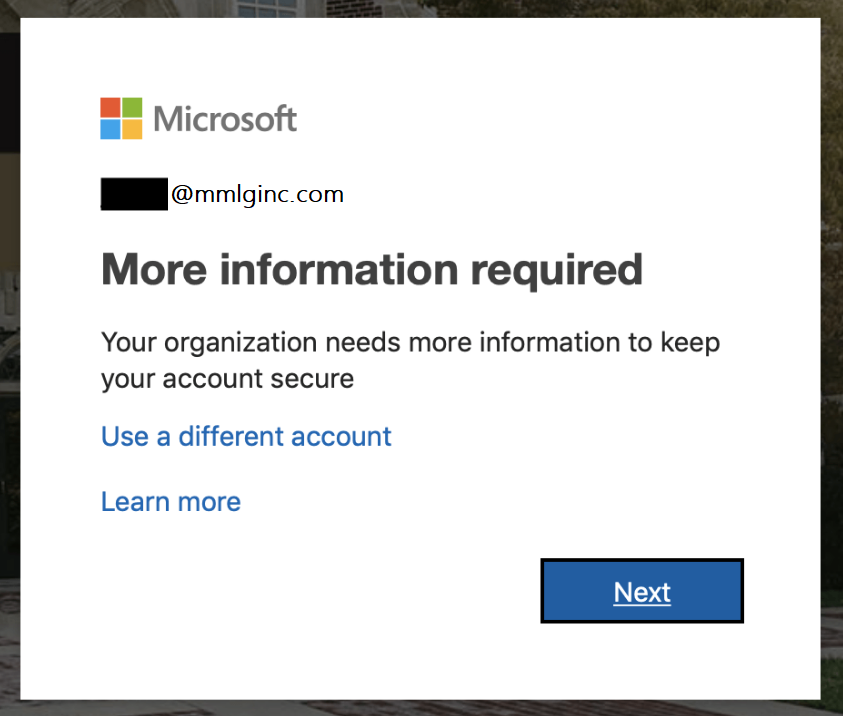
After clicking "Set up," enter your phone number and select your preferred verification method:
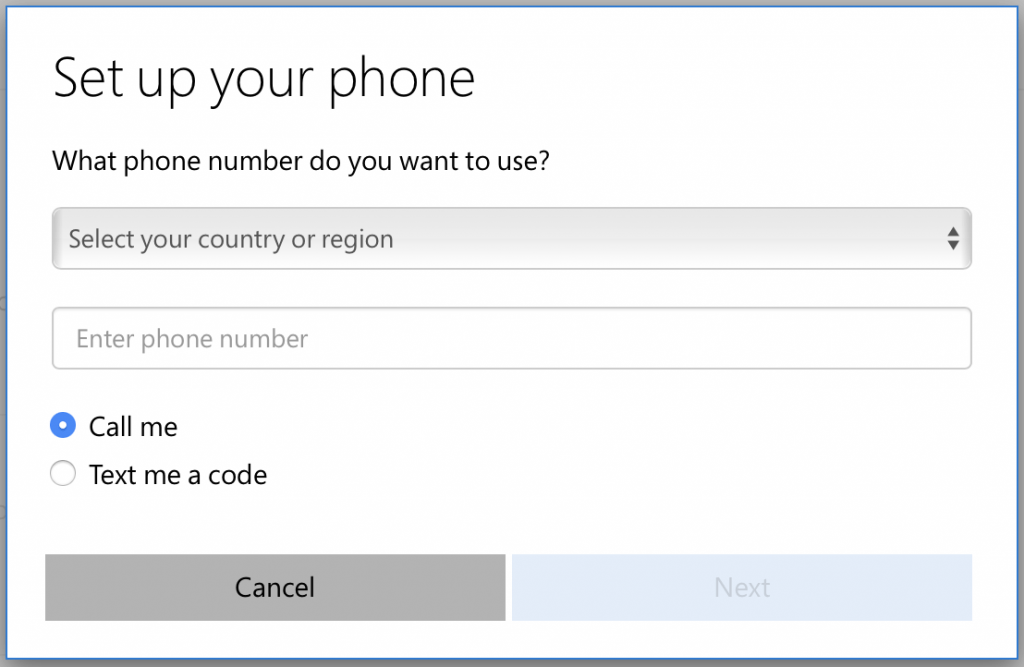
Updating MFA Settings
To change your MFA settings, visit the Microsoft MFA Setup page.
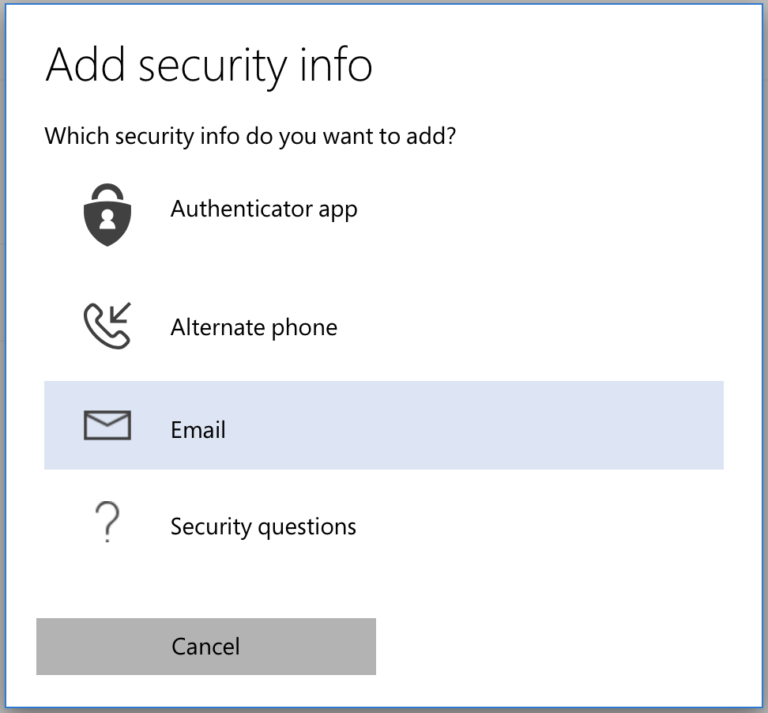
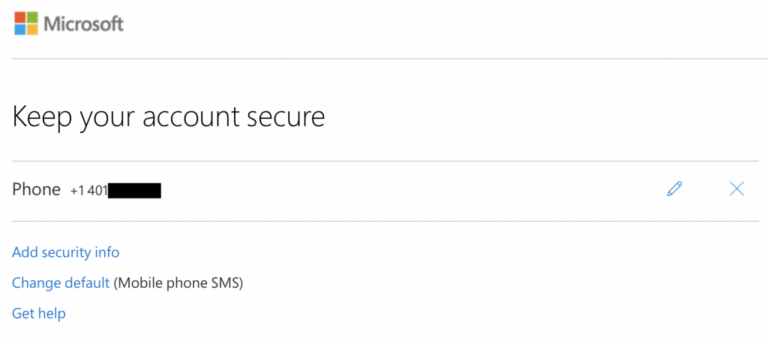
You can modify your sign-in methods and add new options. Click "Add security info" and choose from:
- Authenticator App
- Alternate Phone
- Security Questions
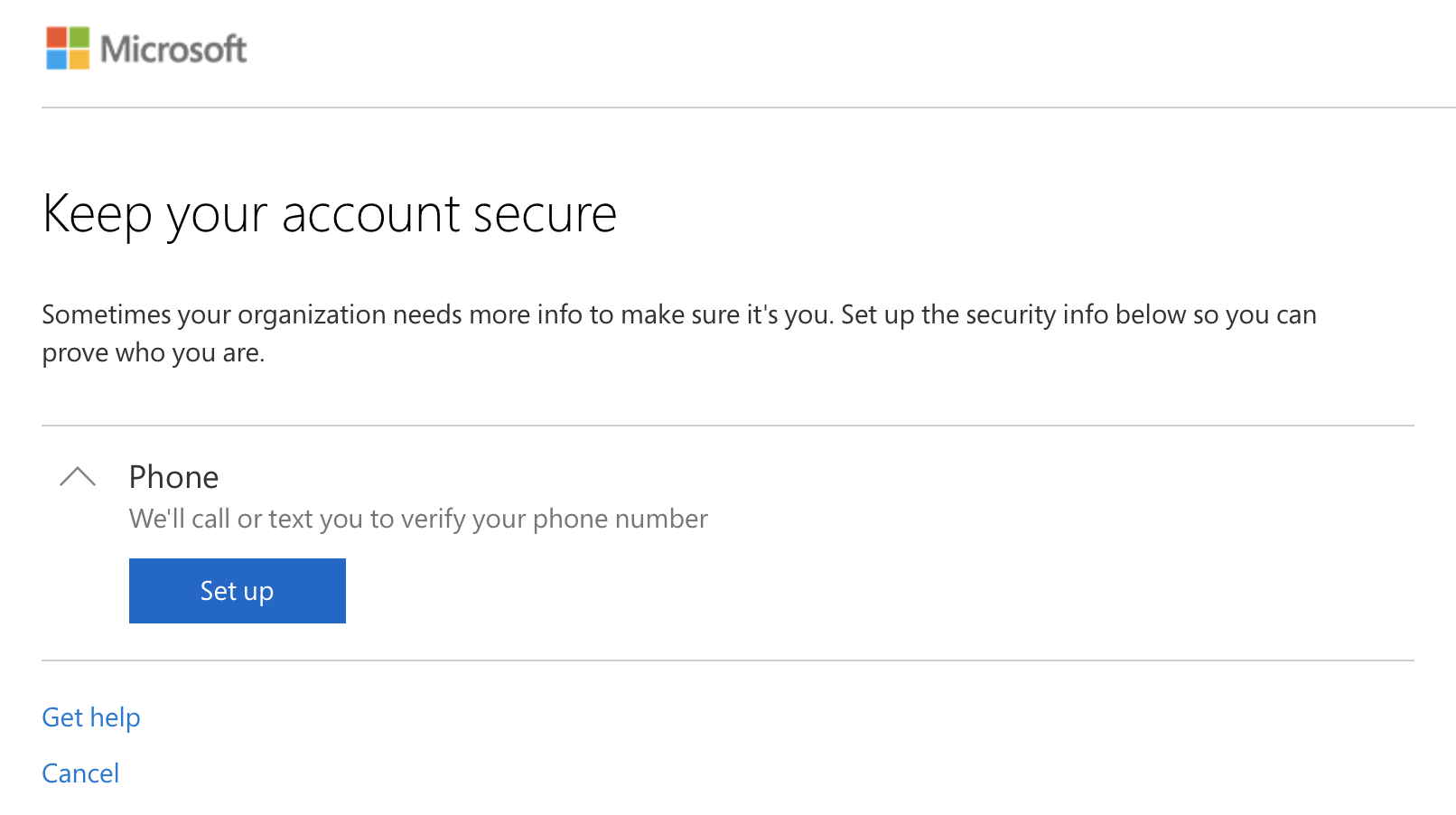
You may also see the following screen when accessing the setup page:
Traveling Abroad without Phone Access
Before traveling, set up the Authenticator app to ensure you have a way to verify your identity. Visit our MFA page for more information.
Additional Support
For detailed instructions on managing your MMLG email account, visit the Email Information Page.
If your account requires additional verification, you may see this prompt: